How to Use J2download to Download Videos on iOS/Android Phones and Computers
With its global popularity, the demand for downloading videos from this platform has increased significantly.
Some people may not want the logo and uploader ID included in the downloaded video.
Nowadays, there are several free tools to download videos for both iOS and Android devices, as well as computers.
Introducing J2download
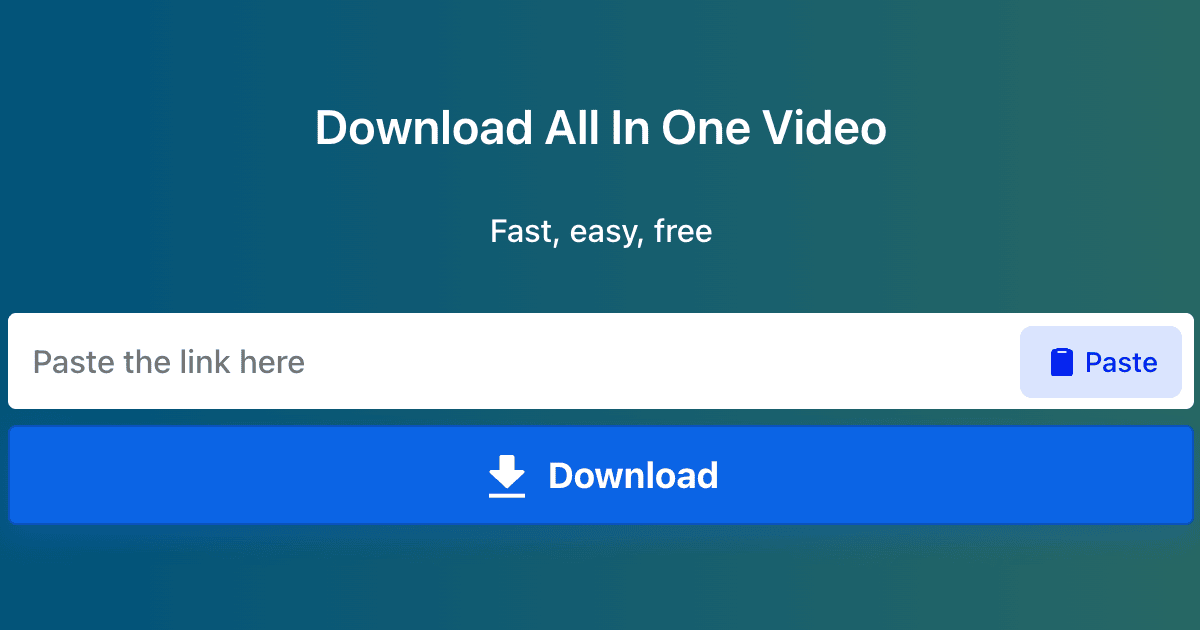
J2download is a popular online video downloader that allows you to download videos without logos or watermarks.
You don't need to download any software on your computer or phone.
Main features of J2download:
Here are the reasons why you should experience J2download to download videos:
- Download high quality videos without logo.
- Download support Video on multiple devices: mobile phones, personal computers and tablets.
- Completely free and unlimited: J2download commits not to charge any fees from users.
- Supports downloading videos in .mp3 and .mp4 formats for all devices (PC, Mac, Android, iOS).
- Accessible via web browser or Android app.
How to download videos using J2download on computer/PC:
Step 1: Copy the link of the video you want to download. 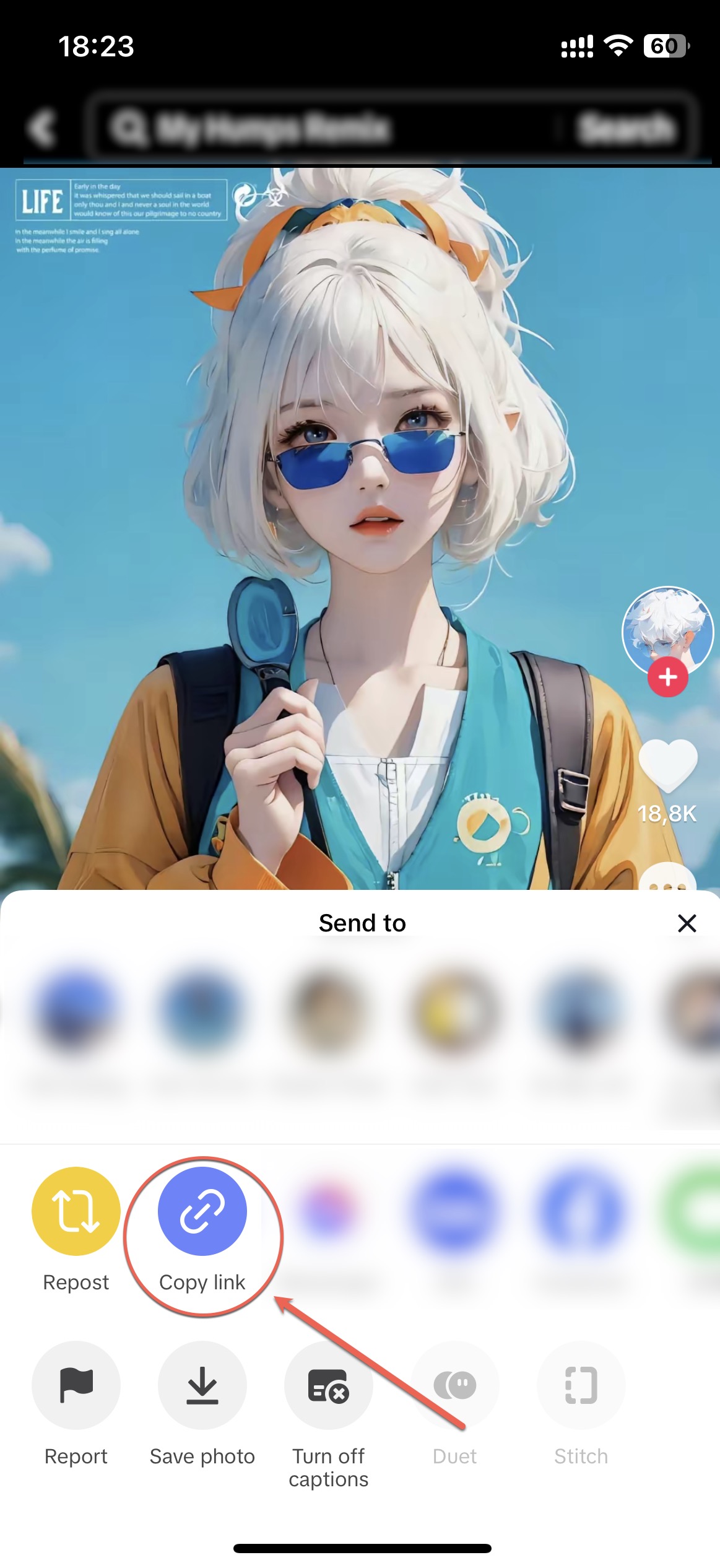
Step 2: Access J2download in https://J2download.com.
Step 3: Paste the link into J2download's toolbar and click "Download" 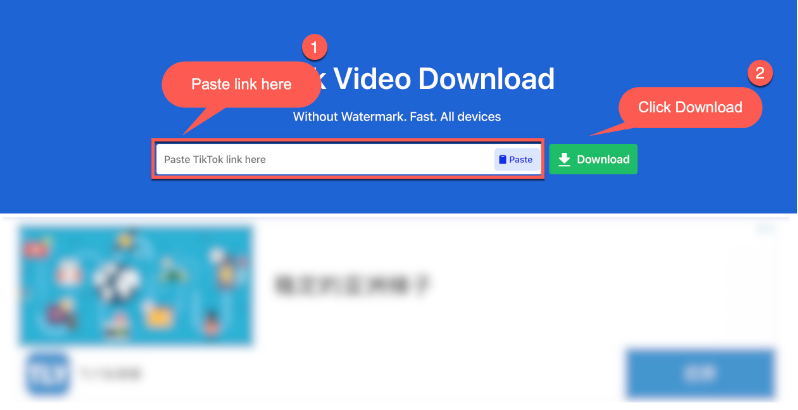
In short: The guide above explains how to download videos on all three popular platforms: Android (Samsung, Oppo, etc.), iOS (iPhone, iPad, etc.), and computer (PC, MacOS, Windows).